
HeyGen 101: plan your first avatar video.
Turn one useful real estate topic into a short script, choose a presenter and check the finished video.
For: Real estate agents making their first avatar video
Loading your learning…
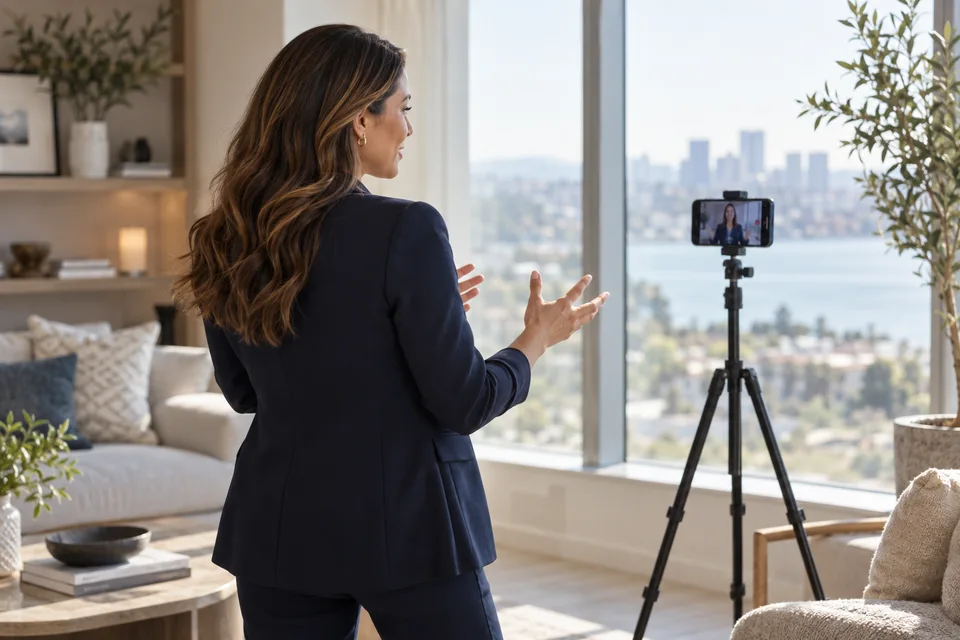
Choose one takeaway.
A useful first video answers one question. Pick a topic you can explain clearly without client information: how to prepare questions before a showing, what a property fact sheet contains or how to plan a listing video.
Write a short script in your own voice. Read it aloud and remove anything you would not naturally say. Use verified information and avoid promises about outcomes.
Build a small scene plan.
Before opening the editor, decide what the viewer needs to see while each sentence is spoken. A simple plan is an opening, one explanation and a clear next action. Keep visuals relevant to the sentence, rather than filling every second with movement.
Opening: name the question. Explanation: give two or three practical steps. Visuals: show a clean checklist or approved property images that support the point. Closing: tell the viewer one useful thing to do next.
Set up the video in HeyGen.
In HeyGen Studio, start a video, choose your layout and add your script. Select a presenter and voice you are authorized to use. Match the video shape to its destination: landscape for a website lesson, or portrait for a vertical social video.
Preview the script and listen for pronunciation, pacing and awkward pauses. Review your current plan, generation settings and any credit charge before submitting. Available features and limits depend on your account.
Watch the whole finished video.
Check every scene after generation. Listen to names and local terms. Inspect captions, eye line, lip movement, framing and visual continuity. Confirm that property images do not imply features that are not actually present.
Export a review copy, keep the approved script with it and add any required advertising or synthetic-media disclosures for the destination. A completed render is a draft until you have reviewed it.
- The video teaches one useful point.
- Presenter, voice and imagery are authorized.
- Pronunciation, captions and facts are checked.
- The final export was watched from start to finish.
Sources and checked dates
These links document the tools and features referenced in this guide. Dates show when the sources were checked. Real estate exercises are original examples to review and adapt to your own work.
Put one idea to work.
Try an exercise, review your result, then mark this guide complete.
Loading your learning…